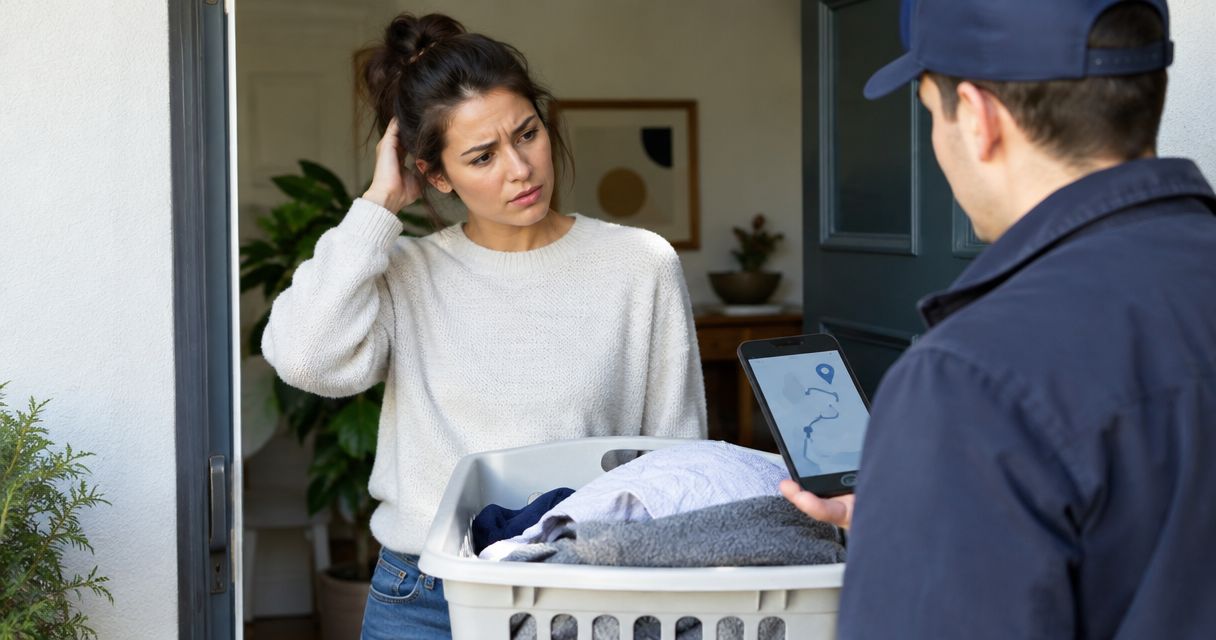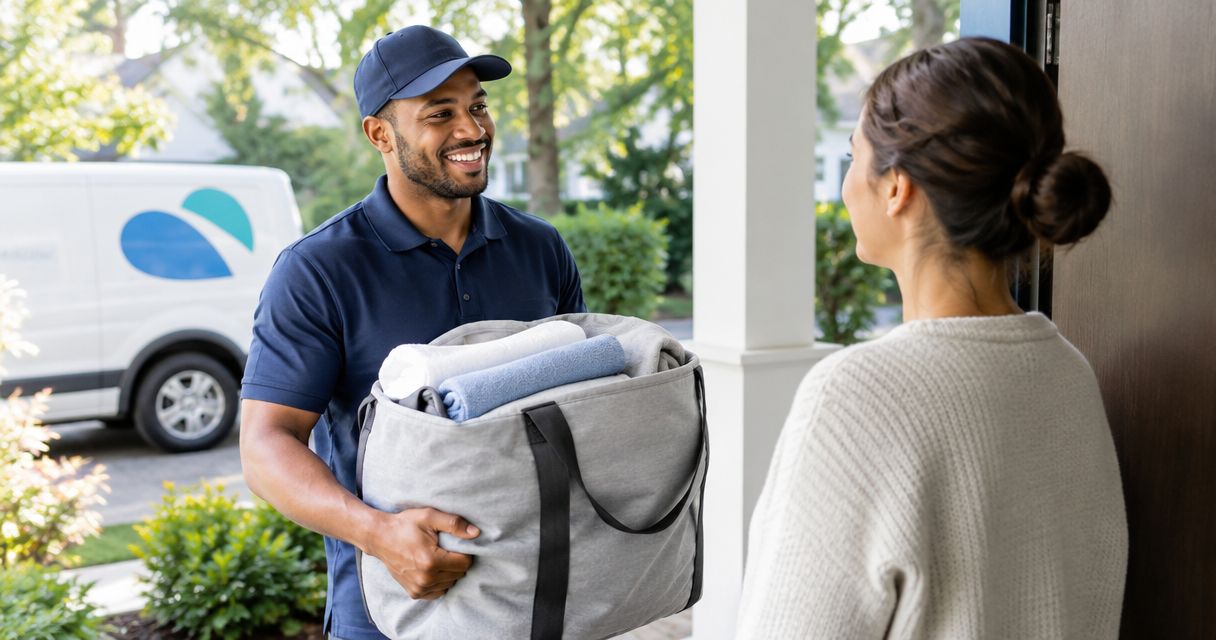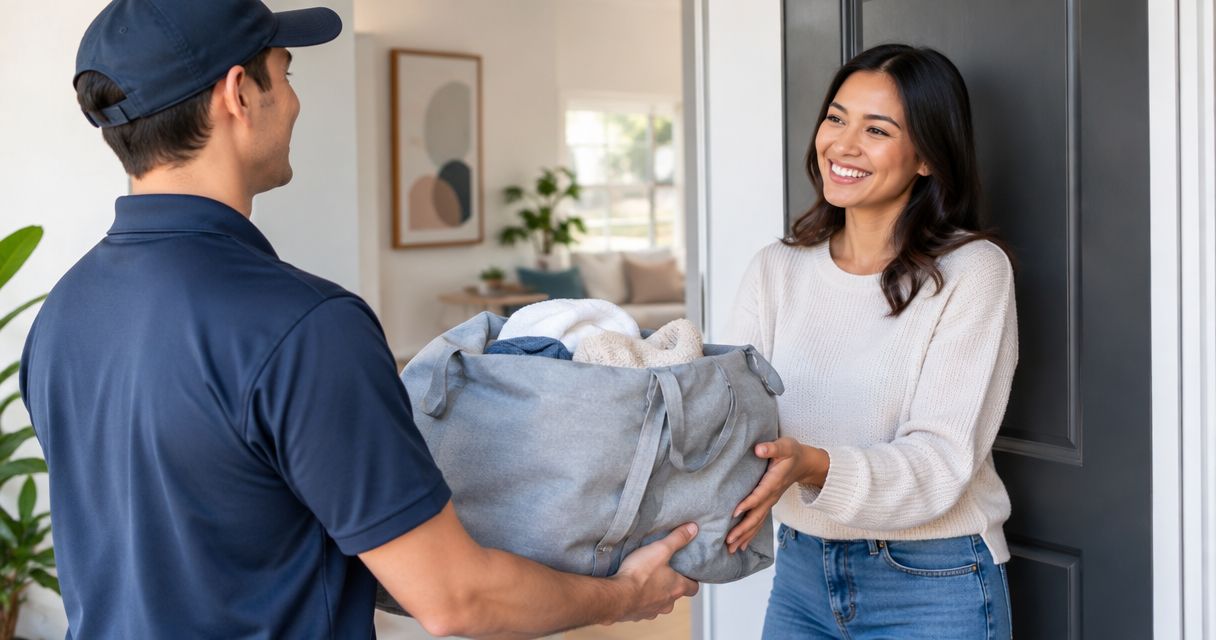
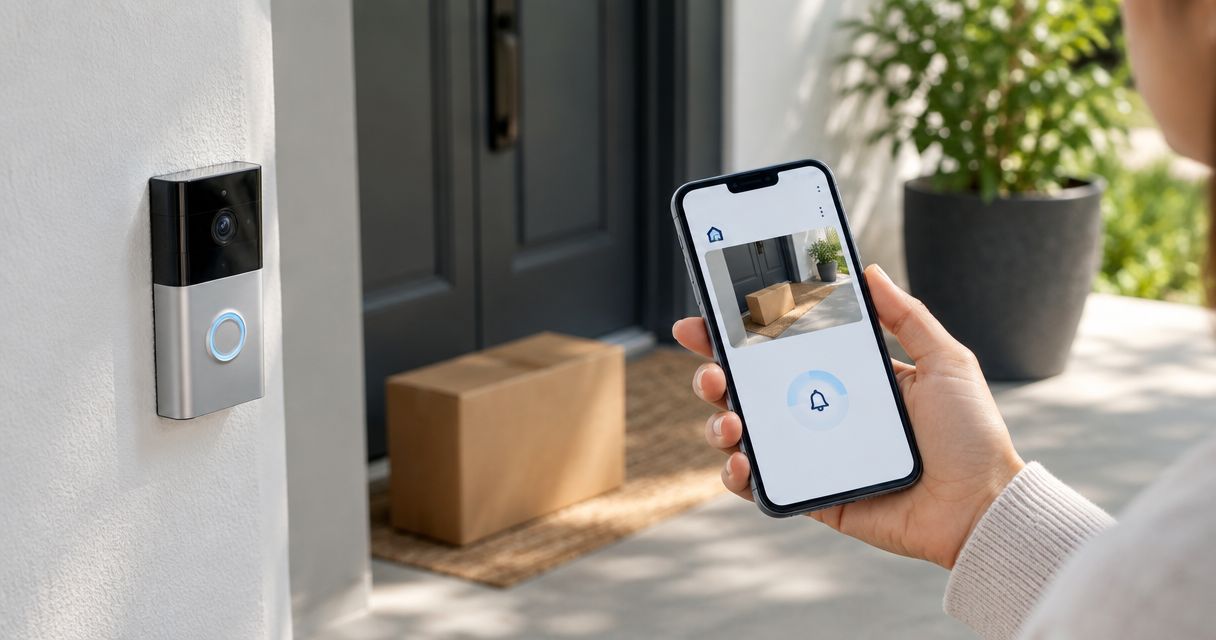
Instead of watching the front door for your laundry pickup, use Ring motion or doorbell alerts to check when someone arrives. If you want to connect Hampr to Ring doorbell for pickup alerts, use the two services side by side; this guide does not require a direct account connection or an automatic pickup-status trigger.
- Use Hampr for laundry pickup and Ring for doorway alerts; keep the two jobs separate.
- Ring motion alerts show activity, not proof that your laundry order was collected.
- Test phone notifications and the pickup-area camera view before relying on doorbell alerts.
- Keep order tracking separate from camera checks, and repeat the setup for return delivery.
Why this matters
A doorway alert answers a small but useful question: is someone outside? It does not answer whether that person collected the correct bag or whether your laundry order changed status. Keeping those questions separate prevents a passing neighbor from becoming an accidental pickup confirmation.
Hampr laundry pickup is best for households and businesses that want pickup, washing, folding, and delivery handled as a service. Ring has a different job in this workflow: helping you notice activity near the handoff spot.
Start with your actual pickup arrangements through Hampr, then set up the doorbell around them. For your 2026 setup, treat this as a notification workflow, not a connection that shares order information between accounts.
Before you start
- Have access to the doorbell and your phone settings. You need the Ring app, permission to manage the relevant doorbell settings, and permission to receive notifications on the phone you carry.
- Know your handoff location. Choose a pickup spot consistent with your service arrangements, building rules, and camera view. A camera cannot help you check a bag hidden behind a wall.
- Catch the easy-to-miss gotcha: motion is not a button press. A person can approach without ringing. Enable the alert type that matches the handoff rather than assuming every pickup includes a doorbell press.
Settings and navigation differ across app versions and doorbell models. Use the named controls below where they appear; do not look for a laundry integration menu or enter your service credentials into an unrelated automation.
Doorbell alert settings
Choose the event you want to notice
- Open the Ring app and select the doorbell covering your pickup location.
- Find Ring Alerts and turn it on if you want a phone notification when someone presses the doorbell button.
- Find Motion Alerts and turn it on if you want a notification when the doorbell detects motion.
- Open your phone's notification settings for Ring. Allow notifications and choose an alert presentation you will notice.
- Check whether your phone's current focus or do-not-disturb settings silence those notifications. Adjust those settings if pickup alerts need to reach you during that period.
Expected result: a doorbell press or detected motion can produce a Ring notification on your phone. Neither event changes your laundry order.
For a leave-at-the-door arrangement, motion alerts are the better starting point because they do not depend on someone pressing the button. The trade-off is extra alerts from unrelated activity. Doorbell-button alerts are more deliberate, but they miss visits when nobody rings.
| Alert option | Best for | Benefit | Limitation |
|---|---|---|---|
| Motion alerts | Noticing an approach without a button press | Flags detected movement near the door | Does not identify a laundry pickup |
| Doorbell-button alerts | Handoffs where someone rings | Signals an intentional request for attention | Requires someone to press the button |
| Both alert types | Testing which event fits your doorway | Covers movement and button presses | Can create more notifications |
This 2026 workflow starts with the simplest useful signal. Leave out extra automation until the basic phone alert works reliably in your own test.
Pickup-area detection settings
Match the camera view to the handoff
- Open Live View for the relevant doorbell and look at the proposed pickup spot.
- Check whether you can see the approach and the place where the bag will sit. Move the proposed handoff spot if necessary and permitted.
- Open Motion Settings and review Motion Zones, where supported by your device.
- Adjust the detection area around the approach to your door. Reduce coverage of unrelated foot traffic when the available settings allow it.
- Place a closed laundry bag at the intended spot and check the view again. Make sure the bag does not block the door or create a trip hazard.
Expected result: the camera view lets you inspect the handoff area, and your detection settings focus on relevant activity rather than the whole neighborhood.
A tighter motion zone helps reduce distractions, but it is not a laundry-recognition feature. Someone walking through the same area can still trigger an alert. Keep the goal modest: notice the visit, then check what happened.
Test the view before pickup day
Run 2 test events: 1 doorbell press and 1 walk through the pickup approach. Ask another household member to help, or perform each test yourself and check the resulting phone notification.
Keep your phone locked during the test so you see how an alert behaves when you are not already inside the app. If you only test while staring at the camera screen, you have not tested the part that is supposed to interrupt your day.
Write down which test worked and which did not. A successful button test does not prove motion alerts work, and a motion notification does not prove you will hear the doorbell alert.
Pickup-day handoff
Keep arrival and order confirmation separate
- Arrange your Hampr laundry pickup through the service. Keep the confirmed details where you can find them.
- Prepare the laundry and place it at the agreed handoff location at the appropriate time. Follow the service's actual preparation instructions rather than treating camera setup as bag-preparation guidance.
- When a Ring alert arrives, open the doorbell view if you need to check the visitor or handoff area.
- Confirm the bag's physical status separately from the order's status. Use the service's own order information for the latter.
- If the handoff is unclear, use the service's communication or support route rather than guessing from an alert alone.
Expected result: you can notice doorway activity without repeatedly checking outside, while keeping the laundry order as the source of pickup information.
The laundry pickup and delivery tracking guide covers the order side of that distinction. A camera event and a service update are different records; one should not silently stand in for the other.
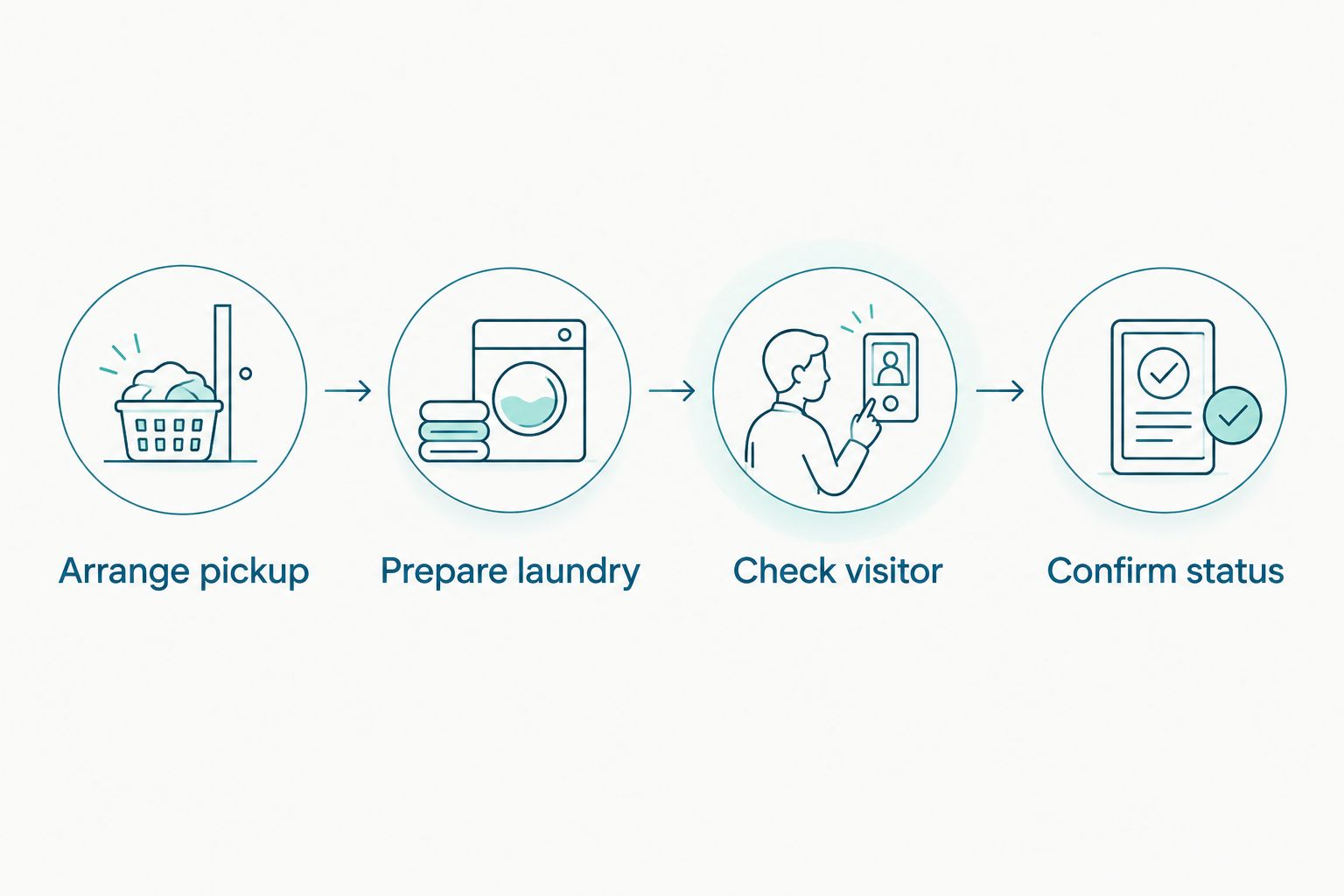
For your 2026 pickup routine, make the bag location and camera view agree. If the handoff moves to a lobby or another entrance, revisit the setup instead of trusting alerts from the old spot.
Return-delivery alerts
Use the same doorbell workflow when your clean laundry comes back. This is a second use for the existing settings, not a separate account connection.
- Check the return-delivery details through the laundry service.
- Make sure the return location is visible in the doorbell view. Do not assume it matches the pickup location.
- Leave the appropriate Ring alerts enabled during the expected handoff period.
- After an alert, check whether the laundry has actually arrived before treating the notification as a completed delivery.
Expected result: the same doorbell helps you notice both collection and return, without claiming that motion means either event is complete.
This version is best for households that want to notice returned bags promptly. Its limitation is unchanged: the camera responds to doorway activity, not the contents of your order.
For a shared entrance, keep expectations narrower. A front-door camera cannot confirm a delivery left somewhere outside its view, and a visitor entering the building does not establish which household they are visiting.
Troubleshooting
The doorbell detects activity, but your phone stays quiet
Check Motion Alerts in the Ring app and notification permission in your phone settings. Then check the focus or do-not-disturb settings active during the test. Repeat the walk-through test with the phone locked before changing the camera's detection area.
Button alerts work, but pickups do not trigger an alert
Check Motion Alerts rather than relying only on Ring Alerts. A visitor who does not press the button will not produce a button-press event. Test the actual walking route to the bag, not a different route used only for setup.
Every passerby looks like a pickup
Review Motion Zones where your model supports them and reduce unrelated coverage. Keep the approach to the bag inside the detection area. Narrowing the zone too far defeats the purpose, so repeat the walk-through test after each adjustment.
You receive an alert, but cannot see the bag
Open Live View and check the handoff location. A railing, open door, porch furniture, or the camera angle can hide the bag even when the approaching person is visible. Choose a permitted, visible location rather than assuming a notification proves collection.
You expected an automatic laundry-status update
Use the service's own order information to check status. This workflow does not pass Ring events into your laundry account, schedule a pickup, or mark an order complete. Do not build a completion rule from motion alone. A doorway event lacks the order-specific information that rule needs.
Customize your workflow
Once the alerts work, decide who actually needs them. One responsible household member can check an arrival and share an update without everyone treating every motion alert as an urgent laundry event.
Keep a short 2026 handoff note with the agreed bag location, the entrance to use, and the person responsible for checking a problem. Do not put access codes or other sensitive details somewhere visible to visitors or in a camera-facing note.
You can also separate preparation from arrival: use a personal reminder to get the laundry ready, then use the doorbell to notice the visit. Neither task needs to pretend it is an automatic booking connection.
For Hampr, keep service arrangements in the service and doorway monitoring in Ring. That division is easier to troubleshoot than a chain of rules that mistakes movement for a completed chore.
FAQ
Can I connect Hampr to Ring doorbell for pickup alerts?
Use Hampr and Ring side by side for pickup alerts: arrange laundry service separately, then use Ring to notice doorway activity. This guide does not establish a direct integration or automatic order-status connection.
Which Ring alert is best for a laundry pickup?
Motion alerts are the better starting point when a visitor might not ring the doorbell. Button-press alerts are useful when someone rings, but neither alert confirms that laundry was collected.
Will a Ring notification confirm my laundry was picked up?
No. A Ring notification identifies a doorbell event, not a completed laundry order. Check the handoff area and the laundry service's order information separately.
Do I need someone to press the doorbell during pickup?
Not for a motion alert. Motion detection can notify you without a button press, but you should test the actual approach to your handoff spot before relying on it.
Can I use the same setup for laundry delivery?
Yes, the same doorbell alerts can help you notice return-delivery activity. Check that the return location is visible and confirm the bags arrived rather than treating any motion as delivery.
Why do I get an alert when nobody collects the laundry?
Motion alerts respond to activity in the detection area, including unrelated visitors. Review Motion Zones where supported and check the camera view before interpreting an alert as a pickup.
Does this workflow automatically book or reschedule laundry?
No. This workflow only helps you notice activity near the door. Make bookings and schedule changes through the laundry service's own process.
One last thing
The most useful test is the visitor's actual route, not a wave in front of the lens. Walk from the normal approach to the bag and check what reaches your locked phone.
Make that your final 2026 setup check. The goal is less porch-watching, not another notification habit that needs its own laundry day.