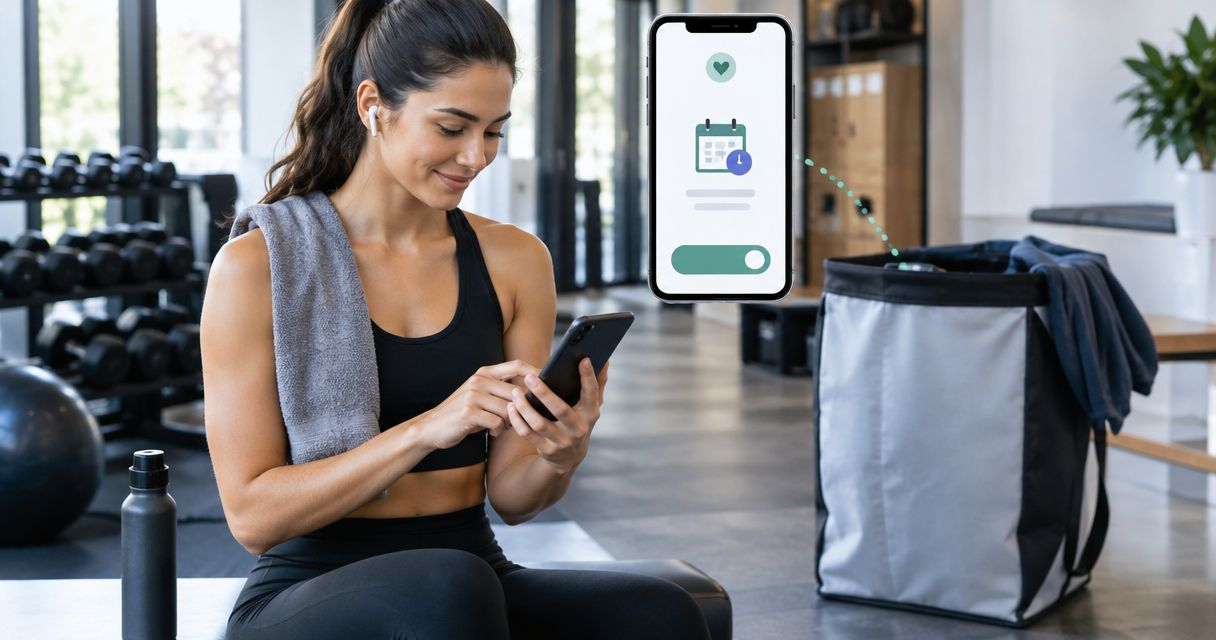
Instead of remembering to schedule Hampr pickup after gym sessions, set up an Apple Watch workout automation that reminds you when exercise ends. The reminder removes the remembering part; you still review and confirm the laundry pickup yourself through Hampr.
- To schedule hampr pickup after gym, automate a reminder—not the laundry order.
- Apple Shortcuts can trigger a notification when an Apple Watch workout ends.
- Use a weekly reminder instead if you do not record workouts on Apple Watch.
- Check garment care labels and pickup details before confirming your laundry order.
Why this matters
A workout ends, you head home, and the sweaty clothes disappear into a bag. Remembering to arrange laundry becomes another little job competing with dinner, errands, and the shower you actually want.
The useful automation connects an event you already record with a task you otherwise forget. In this 2026 guide, that event is an Apple Watch workout ending, and the task is checking whether your laundry is ready for pickup.
Hampr laundry pickup is best for households that want workout clothes washed, folded, and delivered without doing the laundry themselves. The service handles laundry pickup, washing, folding, and delivery in select US cities. This workflow handles the reminder, not the booking.
Keep those jobs separate. A workout ending does not tell your phone whether your laundry bag is ready, whether the garments need special care, or which pickup details you want to confirm.
Before you start
- Have an iPhone with Shortcuts and a paired Apple Watch. The workout-triggered version needs a workout recorded on Apple Watch. Finishing a gym class or stopping a treadmill does not, by itself, trigger this automation.
- Check your laundry arrangements first. Confirm that the service covers your address, and review the current ordering instructions. Keep your pickup location and garment-care decisions ready before the reminder arrives.
- Enable notifications and know the booking boundary. The automation sends a prompt; it does not submit a laundry order. A locked phone or a silenced notification can leave that prompt unseen, so test the notification before relying on it.
You do not need to connect a laundry account to Shortcuts for this setup. The automation contains reminder text, not account credentials or payment details.
Use this 2026 setup as a reminder workflow, not an unattended ordering system. You remain in charge of the pickup request.
Workout trigger configuration
The first configuration unit tells Shortcuts what event should start the reminder. Choose the end of the workout, not the beginning: a notification before exercise leaves you with a task you cannot finish yet.
- Open the Shortcuts app on your iPhone.
- Select Automation, then use + to create a personal automation.
- Choose Apple Watch Workout as the trigger.
- Select Ends so the automation runs when you end the recorded workout.
- Choose Any Workout, or select the workout type you want to use.
- Select Run Immediately for an automatic reminder, then continue with Next.
Expected result: the trigger summary describes an Apple Watch workout ending. It should not describe a workout starting or a particular time of day.
Choose Any Workout if you want the same reminder after strength training, running, and other recorded sessions. Its advantage is simplicity. Its drawback is that a short recorded walk can prompt the same laundry task as a sweaty gym session.
Choose 1 workout type if only that activity should prompt laundry. This is more selective, but sessions recorded under a different type will not match the trigger.
Neither setting detects whether clothing needs washing. Think of the trigger as a tap on the shoulder, not a laundry inspection.
Reminder action configuration
The next configuration unit decides what happens after the workout ends. A notification is enough: it gives you a clear next move without trying to place an order while you are walking out of the gym.
- Open the blank action editor for the automation.
- Search for Show Notification and add that action.
- Replace the default notification text with: Check workout laundry. Prepare the bag, then review and confirm a pickup.
- Save the automation with Done.
- Reopen the automation and check that Show Notification is attached to the workout-ending trigger.
Expected result: the automation contains a notification action with your laundry reminder. It contains no action that submits an order.
Keep the notification short enough to understand at a glance. A useful prompt names the next task; it does not need your address, access code, payment information, or a list of every garment.
For a shared household, use wording that stops accidental duplicate orders: Check whether a pickup is already booked before arranging laundry. That small change is more useful than adding extra automation actions.
You can also write the reminder around preparation rather than booking: Empty gym-bag pockets, check care labels, and prepare laundry for pickup. Use that version when your workout ends before you get home.
Laundry handoff configuration
The phone reminder is only useful if the physical handoff is clear. Decide what you will do when the notification appears, so you are not building a fresh checklist in the parking lot.
- Check clothes. Separate items whose care labels require treatment different from your usual laundry routine. Check pockets before putting clothes into the pickup laundry.
- Prepare laundry. Follow the service's current preparation instructions. Do not treat your gym bag as pickup packaging unless the ordering instructions say to do so.
- Review pickup. Check the address, pickup arrangements, and any garment instructions before submitting the request.
- Confirm order. Complete the booking yourself and look for confirmation before treating the pickup as arranged.
Expected result: the clothes are prepared, the request reflects your intended pickup details, and you have a confirmed order rather than just a reminder.
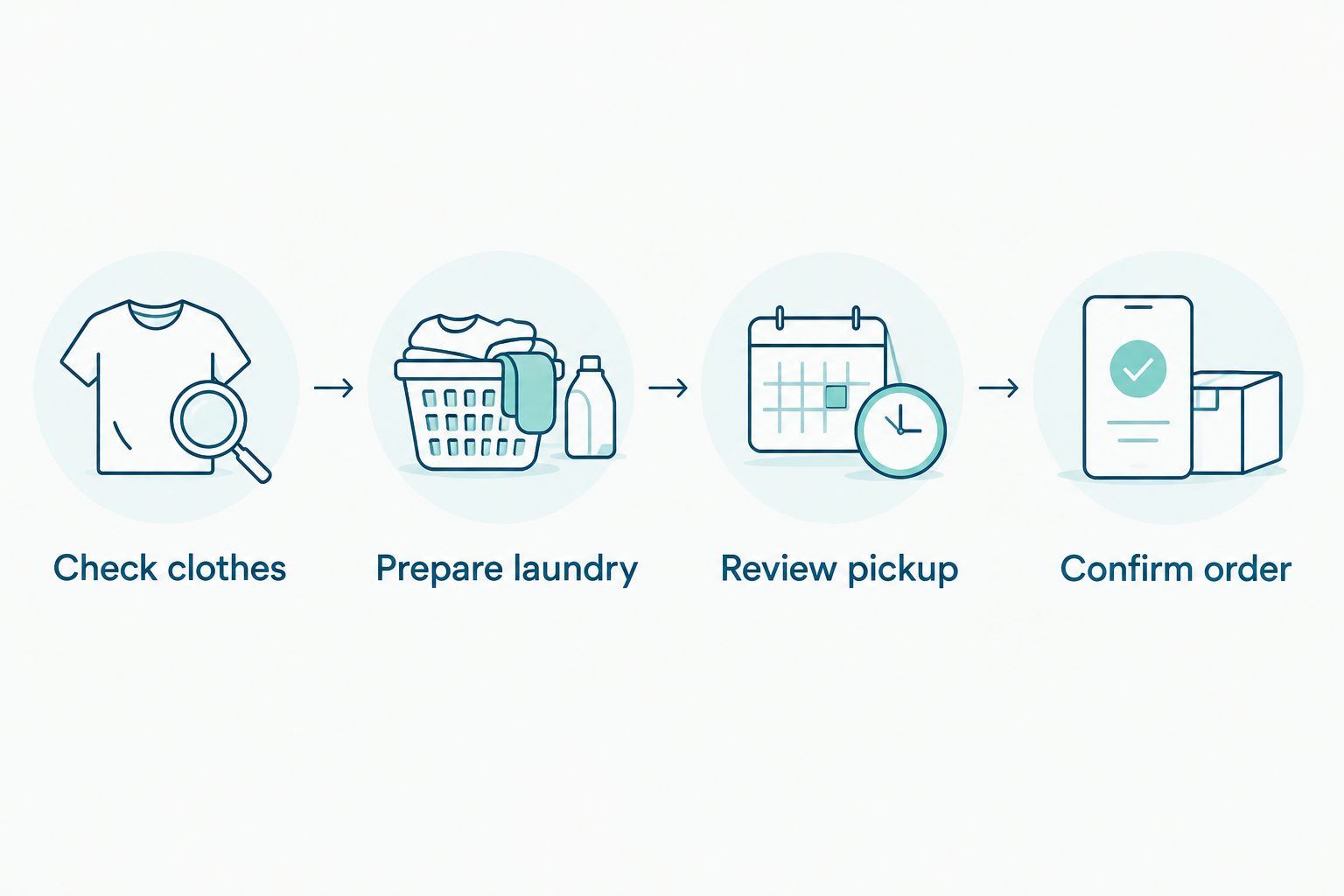
A notification is not proof that laundry has been booked. Keep the confirmation step visible in your routine, especially if you dismiss notifications quickly.
The same boundary matters for fabric care. A phone can remind you to check the label, but this automation cannot decide which washing or drying instructions suit each garment.
Workflow test
Test the setup before making it part of your regular 2026 gym routine. Use an actual recorded workout so you check the trigger as well as the notification action.
- Start a workout on Apple Watch when you exercise.
- End that workout when the session finishes.
- Check your iPhone for the laundry notification.
- Read the reminder and follow the preparation steps when you are ready.
- Confirm that no laundry order has been placed merely because the workout ended.
Expected result: ending 1 recorded workout produces the intended reminder, while booking remains a separate action you control.
Test in the circumstances you normally use: phone locked, workout finished, and your usual Focus settings active. Running the notification action inside the editor checks its content, but it does not prove that your workout trigger works.
If the notification arrives while you are still away from home, do not book before checking the laundry. Adjust the reminder wording to tell you to prepare the bag when you return.
Once the test works, leave the setup simple. Extra actions create extra places to troubleshoot without making the clothes any cleaner.
Second variant: a weekly post-gym reminder
A fixed weekly reminder is the better fit when you do not record workouts on Apple Watch, or when you want one laundry check after your usual gym day. It follows your schedule rather than detecting a completed workout.
For your 2026 routine, choose between these two approaches based on what you actually record—not on which sounds more automatic.
| Workflow | Best for | Advantage | Limitation |
|---|---|---|---|
| Workout reminder | People who record gym sessions on Apple Watch | Responds to a recorded workout ending | Does not fire for an unrecorded session |
| Weekly reminder | People with a regular gym-and-laundry day | Does not require a workout record | Fires even when you skip the gym |
Choose the workout reminder for changing exercise times; choose the weekly reminder for a predictable laundry routine. Both leave the order confirmation to you.
To create the weekly version:
- Open Shortcuts, select Automation, and create another personal automation.
- Choose Time of Day.
- Set a time when you normally have access to your laundry after the gym.
- Select Weekly and choose your usual laundry-check day.
- Choose Run Immediately, then add Show Notification.
- Enter your laundry preparation reminder and save it.
Expected result: you receive 1 reminder per week on the selected day, whether or not you recorded a workout.
Start with one version. Keeping both active can give you a workout notification and a weekly notification for the same laundry task.
For a calendar-based routine, use the related guide below. Keep its purpose equally clear: a scheduled reminder and a confirmed pickup are different things.
Troubleshooting
No reminder appeared after the gym
Check that you recorded and ended the workout on Apple Watch. Leaving the building, closing a fitness app, or finishing a machine session is not the trigger used here.
Then reopen the automation and check Ends and the selected workout type. If your session used a different type, switch to Any Workout or select the type you normally record.
The notification is missing or silent
Check notification permissions and your active Focus settings. Look in Notification Center before assuming the automation failed; the reminder can be delivered without attracting your attention.
Run the Show Notification action from the editor to check its content, then test the workout trigger separately. These checks distinguish a notification problem from a trigger problem.
Reminders arrive after activities that do not need laundry
An Any Workout trigger includes recorded activities beyond your gym routine. Select the relevant workout type instead.
If your recording habits are inconsistent, use the weekly version. A predictable laundry check is more useful than a selective trigger you regularly forget to activate.
The reminder appears, but no pickup is booked
That is the intended behavior. Open the ordering service, review the pickup details, and confirm the request yourself.
Do not rename the notification as a pickup confirmation. Clear wording prevents you or another household member from assuming an order exists when it does not.
You receive duplicate laundry prompts
Check for another weekly automation or household reminder covering the same task. Disable the overlapping reminder and keep the trigger that best matches your routine.
Also check whether you ended separate recorded workouts during the same gym visit. Each matching workout-ending event can start the automation.
Customize your workflow
Make the reminder match your household, not an imaginary perfect gym schedule. If laundry is shared, assign one person to confirm the order and let everyone else contribute clothes before that check.
For activewear, put care-label review before bag preparation. For towels and everyday clothing, keep the reminder focused on pockets, preparation, and pickup details. Do not assume every item in a gym bag needs the same treatment.
Keep your 2026 routine to one clear prompt and one deliberate booking decision. If reminders become background noise, change when they arrive or narrow the trigger instead of adding more of them.
Review your laundry pickup
Check the ordering instructions and confirm your pickup when the laundry is ready.
FAQ
Can I automatically schedule Hampr pickup after gym workouts?
This workflow automatically reminds you after a recorded Apple Watch workout; it does not place a pickup order. You review the laundry and confirm the request yourself.
Do I need an Apple Watch for the workout reminder?
Yes, the Apple Watch Workout trigger needs a workout recorded on Apple Watch. Use the weekly Time of Day version if you do not record workouts that way.
Will the reminder work if I forget to record my workout?
No, an unrecorded workout does not provide the Apple Watch workout-ending event. A weekly reminder works independently of workout recording.
Is a workout reminder better than a weekly laundry reminder?
A workout reminder is better for changing exercise times, while a weekly reminder is better for a fixed laundry day. Neither version confirms a laundry pickup for you.
Does this setup share my workout data with the laundry service?
This setup uses the workout event to display a notification through Shortcuts. The instructions do not include an action that sends workout information to the laundry service.
Why did my reminder appear but my pickup was not booked?
The notification is a prompt, not a booking confirmation. Review the pickup details and complete the order separately.
Can I send every item from my gym bag for washing?
Check each garment's care label and the service's current instructions before including it. Keep items needing different treatment separate rather than assuming one routine fits everything.
One last thing
The most useful automation does less than the title suggests. It remembers the chore while leaving you the decision that matters: whether the clothes are ready and the pickup details are right.
Before you save the reminder, read it as if you were tired after training. If it sounds like an order confirmation, rewrite it. A clear prompt beats a false sense that the laundry is already handled.